
Service history
Prove what you did. Two years later.
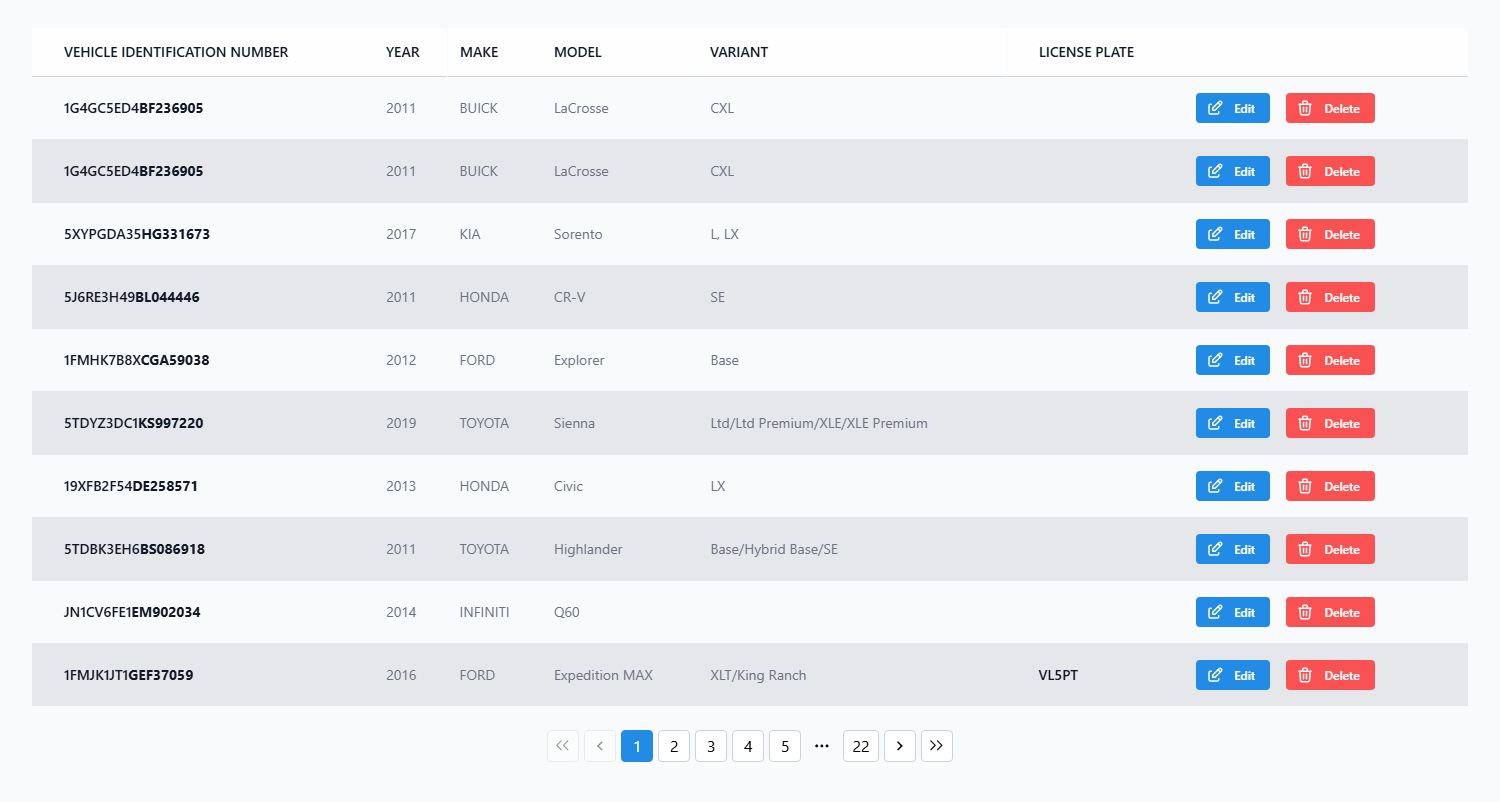
Every invoice you write adds to the vehicle's record on its own. Search a name, plate, or VIN and the whole history is right there.
What changes
The filing cabinet stops being the memory
No more digging for a ticket from 2019. The record builds itself and pulls up in one search.
- Recommend from what you did
- See exactly what was done last time so your next recommendation is right, not a guess.
- Prove the work
- Show a customer their full history when they question a repair. It's all dated and on file.
- Pull it up in seconds
- Search a name, plate, or VIN instead of walking to the cabinet for a folder.
- Skip the repeat work
- Know what was already replaced so you don't quote a job the car doesn't need.
Features
What you'll actually use every day
A record that keeps itself, on every car you touch.
- History from every invoice
Each invoice records the service, date, mileage, and parts on the vehicle. No extra step.
- Vehicle profiles
Every car has a profile with its VIN, details, owner, and all of its past service in one place.
- Search by name, plate, or VIN
Type a customer name, license plate, or VIN and the full history pulls up right away.
- Parts history
See which parts went on a car and when, so a warranty question is one lookup away.
- Maintenance due
Track what's due by mileage or time and set a reminder so the car comes back on schedule.
- History stays with the car
If a vehicle changes owners, the service you did is still on the record next time it rolls in.
How it works
The record builds itself
You write invoices as normal. The history takes care of itself.
Finish a job
When you create the invoice, the service, mileage, and parts save to the vehicle's record.
Customer comes back
Search their name or the plate and the full history pulls up in one click.
Review and recommend
See what was done and what's due, and recommend the right maintenance from real history.
Set the next reminder
Set a reminder for what's coming due so the car books its next visit with you.
Frequently Asked Questions
Do I have to record history manually?
No. Every invoice you create adds to the vehicle's history automatically. You just write invoices as normal and the record builds itself.
Do I need to import my old records to start?
No. You can start with the next car that comes in and never touch your old files. The history builds forward from the first invoice you write.
How do I look up a vehicle's history?
Search by customer name, phone, license plate, or VIN. The full service history pulls up right away, so you're not digging through paper.
What happens if a vehicle changes owners?
The history stays with the vehicle. When a car you've serviced before comes back under a new owner, the past work is still on the record.
What does it cost to start?
The free plan covers unlimited estimates and invoices with no credit card, and history builds on every one. The Established plan adds vehicle specification lookup and photo storage.
Start building service records here
Free plan, no credit card, and a history that writes itself from the first invoice.